AI Image Bingo Cards: How to Create Custom Visual Bingo with AI
Discover how AI-powered image generation transforms bingo card creation. Create stunning visual bingo cards with unique AI-generated illustrations for any theme or occasion.
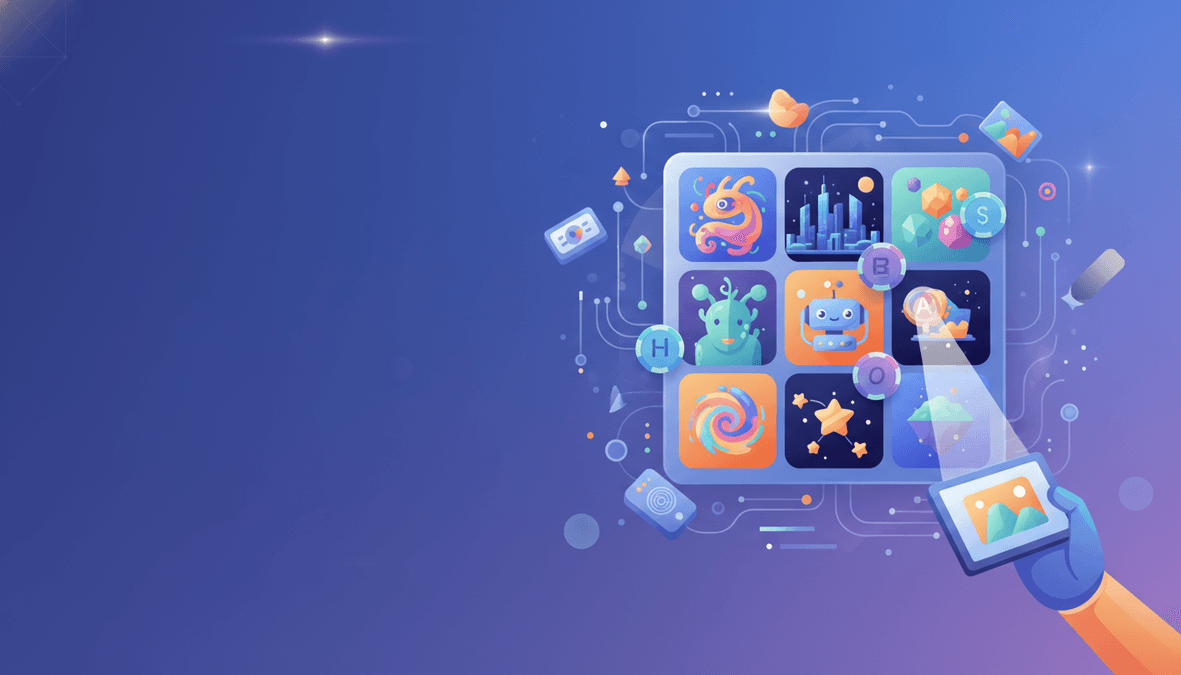
Forget clip art and stock photos. AI-powered image generation has revolutionized how we create bingo cards. Now you can generate unique, custom illustrations for every square on your bingo card – all with the power of artificial intelligence.
What Are AI Image Bingo Cards?
AI image bingo cards use artificial intelligence to generate unique illustrations for each cell on your bingo card. Instead of using generic clip art or searching through stock photo libraries, AI creates custom visuals that perfectly match your theme.
Here's what makes AI image bingo different:
- Unique illustrations – Every image is generated specifically for your theme
- Consistent style – All images share the same artistic style across your card
- Any theme imaginable – From "Beach Vacation" to "Space Adventure" to "90s Nostalgia"
- No copyright concerns – AI-generated images are original creations
- Perfect for all ages – Visual bingo works for kids, adults, and seniors
How AI Image Bingo Generation Works
Modern AI image generators like those used by BingoGen.ai follow a sophisticated process:
Step 1: Theme Analysis
When you enter a theme like "Tropical Beach Party," the AI analyzes the concept and generates relevant phrases: palm trees, coconut drinks, sunscreen, beach umbrella, flip flops, sandcastle, surfboard, and more.
Step 2: Prompt Engineering
Each phrase is converted into an optimized image generation prompt. The AI ensures consistent style, appropriate complexity, and clear visual representation.
Step 3: Image Generation
Using advanced AI models (like Google's Gemini or similar), unique illustrations are created for each bingo square. The images are optimized for clarity at bingo card size.
Step 4: Quality Assurance
Generated images are checked for consistency, appropriate content, and visual clarity before being placed on your card.
Best Themes for AI Image Bingo
AI image generation excels with visual, concrete themes. Here are the best categories:
Nature & Animals
- Safari Animals – lions, elephants, giraffes, zebras
- Ocean Life – dolphins, whales, coral, seahorses
- Backyard Birds – robins, cardinals, blue jays
- Garden Insects – butterflies, ladybugs, bees
Food & Drinks
- Italian Cuisine – pizza, pasta, gelato, espresso
- Breakfast Foods – pancakes, eggs, bacon, coffee
- Cocktail Party – martinis, mojitos, appetizers
- Desserts – cakes, cookies, ice cream, pies
Travel & Places
- World Landmarks – Eiffel Tower, Colosseum, Taj Mahal
- Beach Vacation – palm trees, surfboards, sandcastles
- Camping Adventure – tents, campfires, hiking boots
- City Life – skyscrapers, taxis, coffee shops
Holidays & Seasons
- Christmas – ornaments, snowmen, presents, trees
- Halloween – pumpkins, ghosts, witches, bats
- Summer Fun – ice cream, swimming, fireworks
- Fall Harvest – leaves, pumpkins, apple cider
AI Image Bingo vs. Traditional Bingo Cards
| Feature | AI Image Bingo | Traditional/Clip Art |
|---|---|---|
| Uniqueness | ✅ Every card is unique | ❌ Same images everywhere |
| Theme matching | ✅ Perfect theme alignment | ⚠️ Limited by available art |
| Style consistency | ✅ Unified artistic style | ❌ Mixed styles often |
| Customization | ✅ Any theme imaginable | ❌ Limited to existing art |
| Copyright | ✅ Original AI creations | ⚠️ License restrictions |
How to Create AI Image Bingo Cards
Creating AI image bingo cards with BingoGen.ai is simple:
1. Choose Image Bingo Mode
Select the "Image Bingo" tab on the generator. This activates AI image generation for your cards.
2. Enter Your Theme
Type any theme you can imagine. Be specific for best results:
- Instead of "Food" try "Mexican Street Food"
- Instead of "Animals" try "Australian Wildlife"
- Instead of "Sports" try "Winter Olympics Sports"
3. Select Grid Size
Choose 3×3 (9 images), 4×4 (16 images), or 5×5 (25 images). Larger grids mean more AI-generated visuals.
4. Pick a Color Theme
Select from beautiful color palettes that complement your images: Sunrise, Ocean Depths, Cotton Candy, Forest Magic, and more.
5. Generate Preview
Click Generate to see an AI-created preview of your bingo card. The preview shows you exactly what your cards will look like.
6. Download Your Pack
Get your PDF with unique cards – each card shuffles the images differently, so every player gets a different experience.
Use Cases for AI Image Bingo
Children's Parties
Kids love visual bingo! Create custom cards for birthday themes: dinosaurs, unicorns, superheroes, or their favorite movies.
Educational Settings
Teachers use image bingo for vocabulary, science concepts, historical figures, and more. Visual learning aids retention.
Senior Activities
Picture bingo is perfect for senior centers and memory care. Clear visuals help with cognitive engagement and recognition.
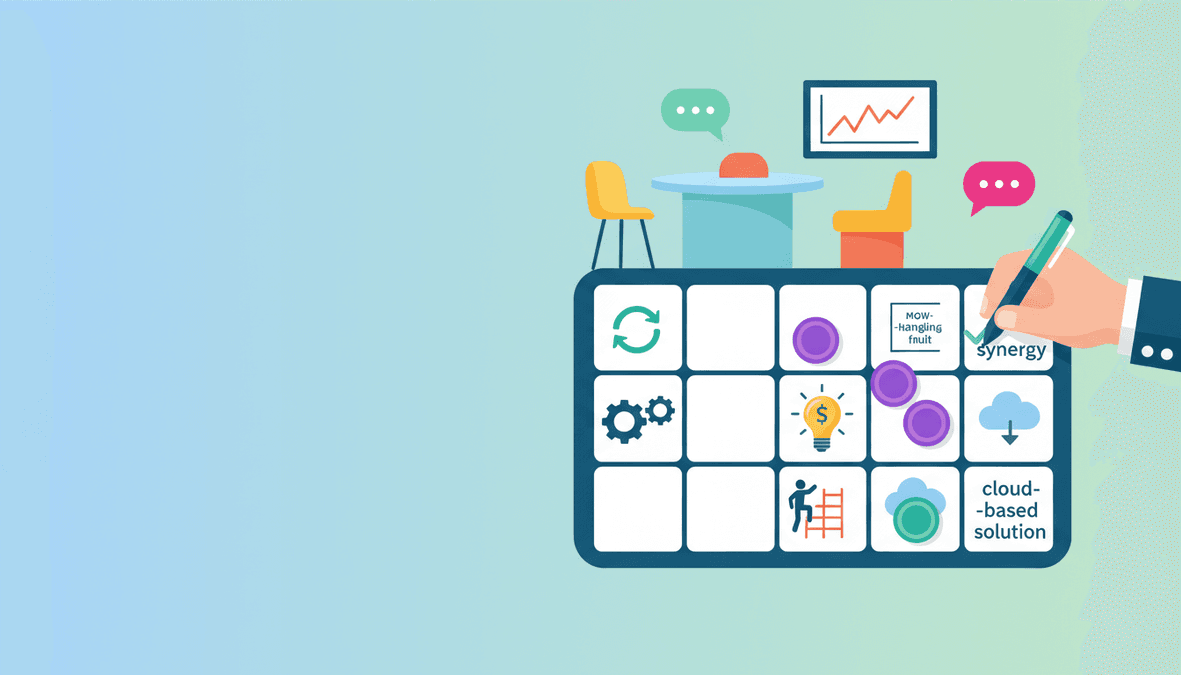
Team Building Events
Create company-themed bingo with industry imagery, company culture items, or professional development concepts.
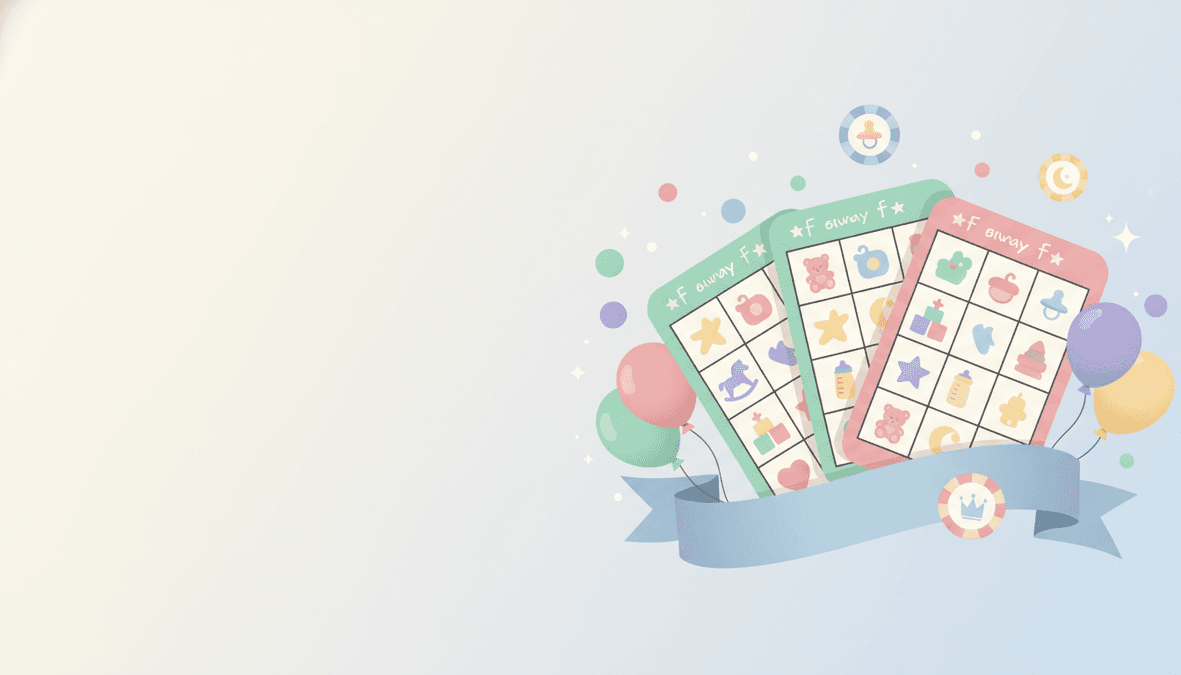
Bridal & Baby Showers
Custom illustrated cards featuring baby items, wedding themes, or couple-specific imagery add a personal touch.
Tips for Best AI Image Results
Be Specific with Themes
"90s Pop Culture" generates better results than just "Old Stuff." Specificity helps the AI understand exactly what visuals to create.
Choose Visual Concepts
Concrete, visual themes work better than abstract concepts. "Kitchen Tools" works better than "Cooking Feelings."
Consider Your Audience
Kid-friendly themes generate playful, colorful illustrations. Professional themes create cleaner, more sophisticated visuals.
Test Different Tones
Try "Funny," "Professional," or "Playful" tones to see how they affect the generated content and style.
The Future of AI in Bingo Card Creation
AI image generation for bingo cards is just the beginning. Future developments may include:
- Animated bingo cards with moving illustrations
- Photo-realistic images for more sophisticated themes
- Style matching to match existing brand aesthetics
- Multi-language support with translated labels
- Accessibility features like high contrast modes
Start Creating AI Image Bingo Today
Ready to experience the future of bingo card creation? BingoGen.ai makes it easy to create stunning, AI-generated image bingo cards for any occasion.
Frequently Asked Questions
Are AI-generated bingo card images unique?
Yes! Each image is generated specifically for your theme. No two AI image bingo cards are exactly alike.
Can I use AI image bingo cards commercially?
Yes. AI-generated images from BingoGen.ai can be used for personal events, educational settings, and commercial purposes.
How long does AI image generation take?
Preview generation takes about 10-15 seconds. Full card pack generation with individual images happens after purchase and takes 1-2 minutes.
What if I don't like the generated images?
Simply generate again! AI creates different variations each time. You can also adjust your theme wording for different results.
Do AI images work well when printed?
Absolutely. Images are generated at high resolution and optimized for print quality. Your bingo cards will look crisp and clear.
Related Articles
- Picture Bingo Card Generator: Visual Games
- Custom Bingo Card Generator
- How to Make Bingo Cards: Step-by-Step Guide
Last Updated: February 3, 2026
Turn this idea into printable bingo cards
When you are ready to make cards from this guide, start with the format that matches your group. Text bingo is fastest for phrase-based party and classroom cards. Image bingo is better for kids, ESL learners, and visual themes where each square should show a picture. Print one test sheet on US Letter or A4 paper before running the full pack.
Create your own cards on BingoGen.ai
Jump to the generator, theme hubs, and guides — same free tier, no signup required to try.