Bingo GuidesMay 8, 2026·7 min read
How to Host Virtual Bingo with Picture Cards (Zoom & Hybrid)
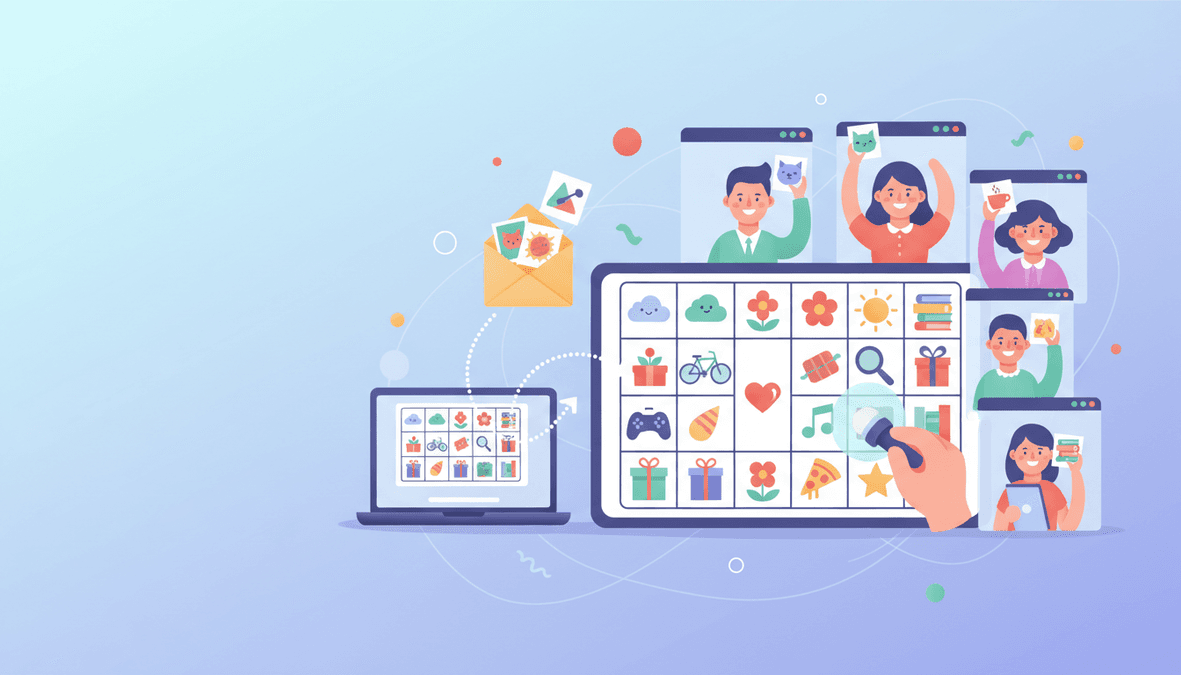
Share a clean slide deck or second camera, mail cards early for hybrid events, and prevent cheating without killing the fun.
BG
BingoGen Team
BingoGen.ai
Turn this idea into printable bingo cards
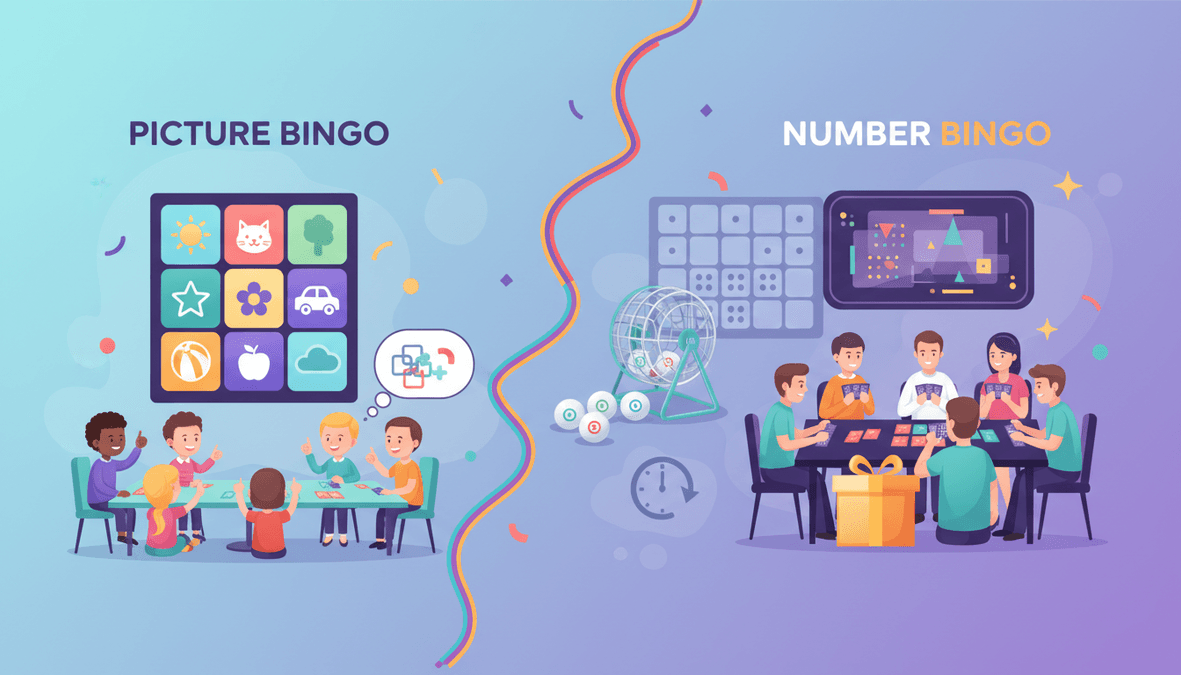
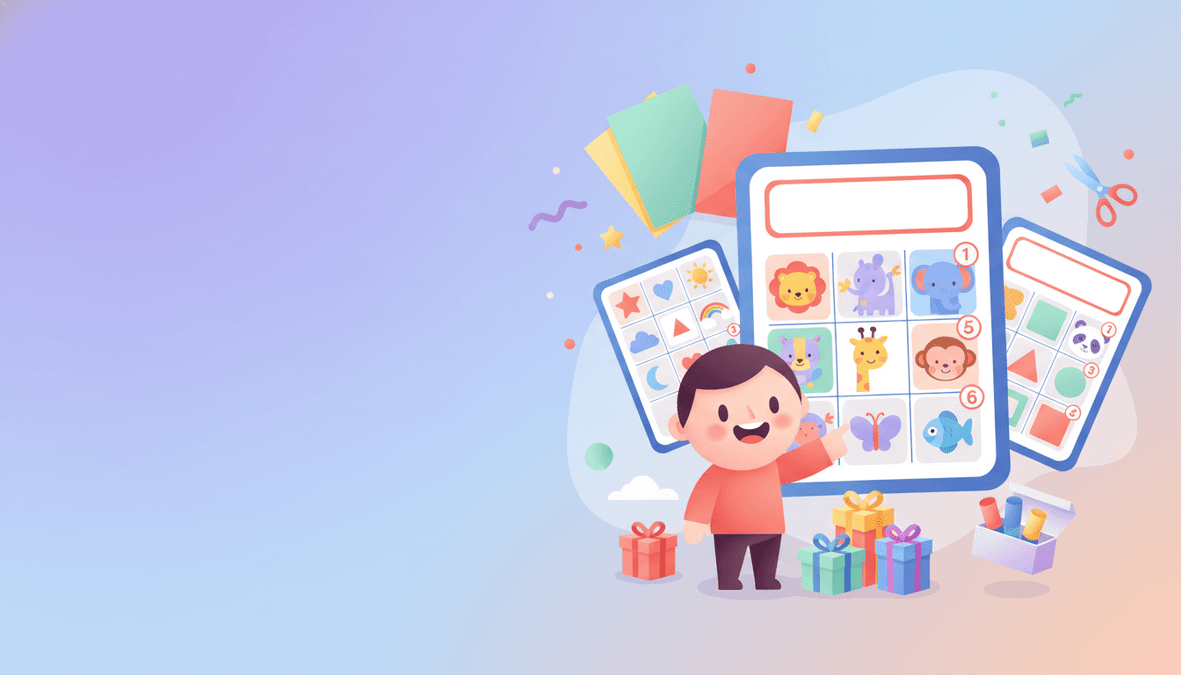
When you are ready to make cards from this guide, start with the format that matches your group. Text bingo is fastest for phrase-based party and classroom cards. Image bingo is better for kids, ESL learners, and visual themes where each square should show a picture. Print one test sheet on US Letter or A4 paper before running the full pack.
Create your own cards on BingoGen.ai
Jump to the generator, theme hubs, and guides — same free tier, no signup required to try.