The useful question is which resource gets your group playing. On BingoGen.ai, ready-made starter packs, custom word review and paid AI picture packs are different things. This guide explains our options; it is not a tested ranking of competing products.
What you can use free
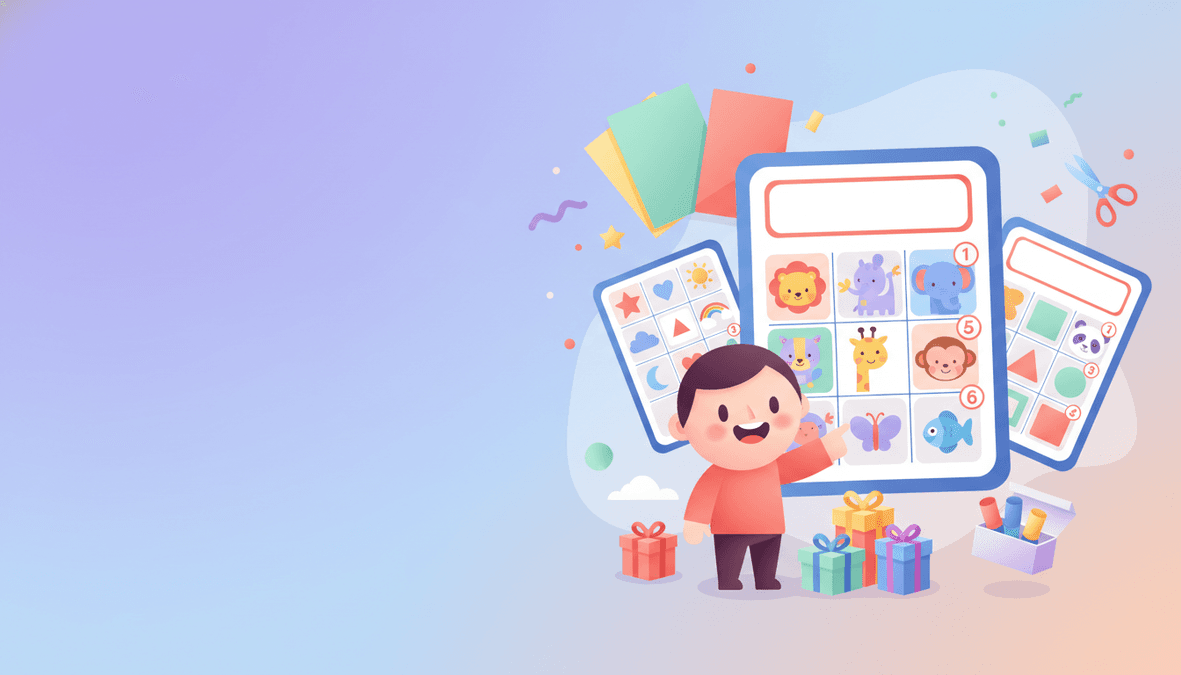
- Ready-made classroom packs: download a small complete game from the classroom starter library. Choose a topic that fits your lesson.
- Your own photos: upload images in the picture bingo builder, preview your card, and download four shuffled cards with a caller sheet free. Images stay in this browser.
- Custom AI word review: enter a topic or your own list and check the words before paying. This does not include a free finished custom AI picture pack.
- Blank grids: use the blank bingo maker if players will write or draw the entries themselves.
- Number or text cards: the number generator and general generator offer free starter downloads. Check the current card allowance in the chosen tool.
What a paid custom picture pack includes
Choose 50, 100 or 200 player cards. A custom illustration is made for each unique word or phrase and reused across different card arrangements. The printable PDF includes a caller sheet and four player cards per page. Check the current price in the pack selector before checkout.
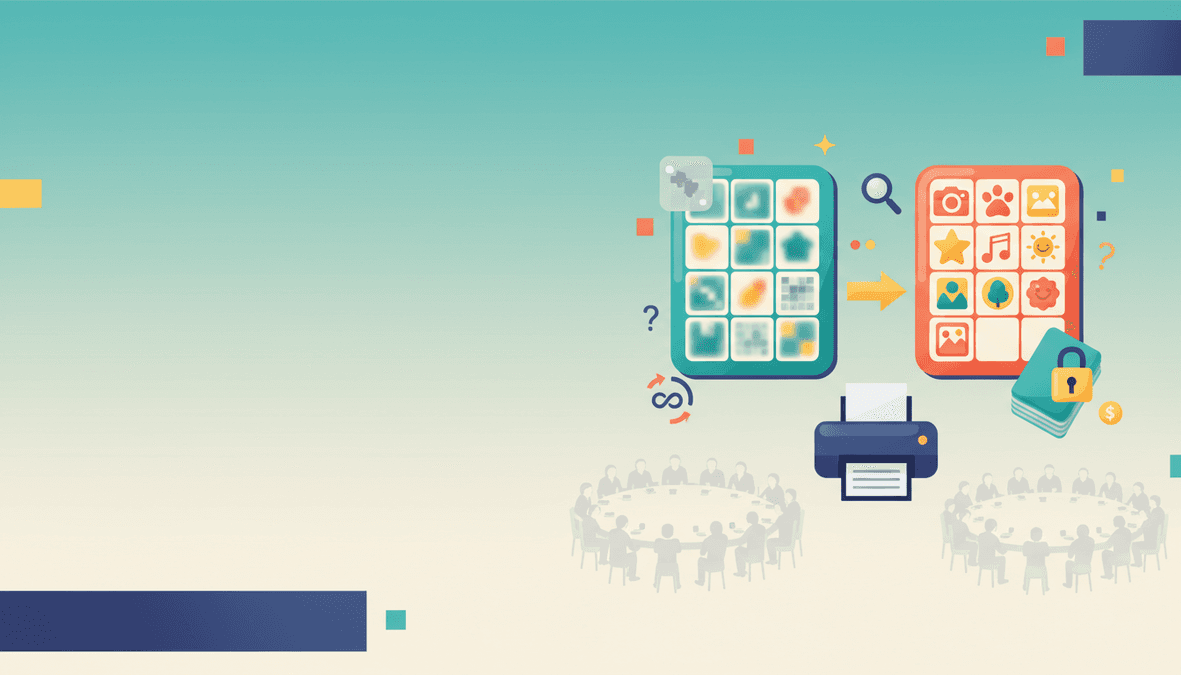
AI picture generation happens after payment and typically takes 1–3 minutes. The original samples shown before checkout demonstrate the kind of finished card you will receive. Your word review lets you check content before committing to a pack.
Which option fits your group?
A small group using familiar vocabulary: try a ready-made classroom starter pack first. The CVC pack and ESL animal pack are useful starting points when those topics match your lesson.
A specific lesson or party theme: build an exact word list and review it before buying custom illustrations. Choose pictures when visual matching is the goal; choose text when reading the words or recognising phrases matters more.
A game using your own artwork: upload the images rather than generating replacements. The free four-card download lets you check the result with a small group before considering more layouts.
What to check before paying for any bingo tool
- Does the advertised card count mean player cards, PDF pages or unique illustrations?
- Is the output a printable PDF or only an on-screen preview?
- Is a caller sheet included, and does it match the card content?
- Can you edit the words before artwork is generated?
- How large will each card be on paper?
- Are the licence and refund terms suitable for your intended use?
Different card layouts can still produce shared wins. See how many bingo cards to print for planning, and print one test sheet before committing paper to the full group.
Start with the format you need
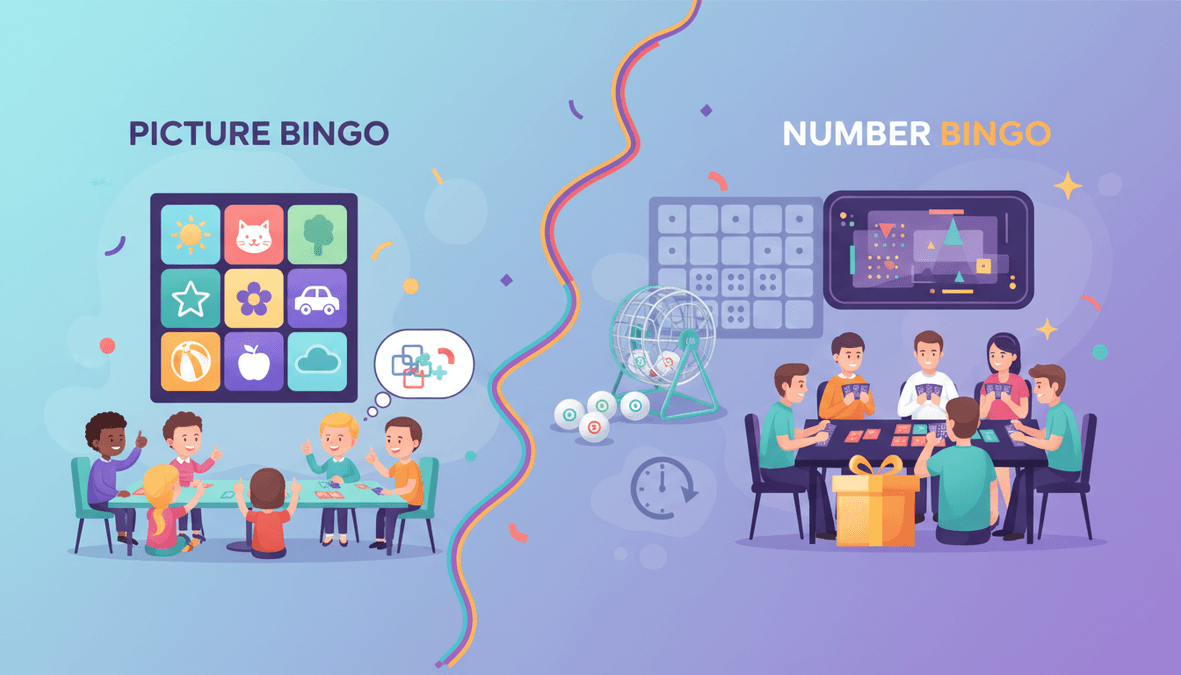
For the complete custom image workflow, follow how to make AI picture bingo. To compare gameplay rather than price, read picture bingo versus number bingo.